
The one tool for every OSINT investigation.
From single-image geolocation to indoor and vehicle ID - GeoAxis packages every AI capability behind one workspace.
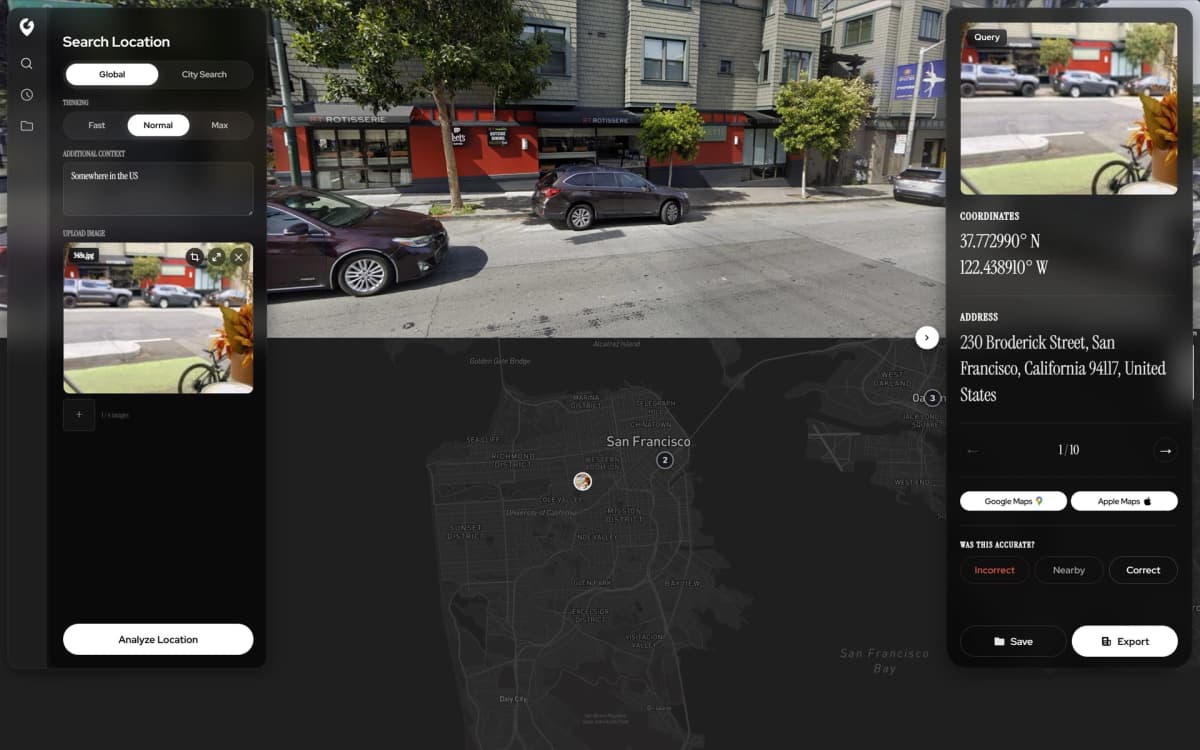
Built for the way you work.
From drag-and-drop uploads to one-click PDF exports - every part of GeoAxis is designed to disappear so you can focus on the find.
Easy to Use
Upload any image and get instant geolocation results - no setup, no expertise. Drag, drop, discover.
Export to PDF
Generate detailed PDF reports with coordinates, confidence scores, and map views - share or archive in one click.
Precise Pinpointing
Drop a pin on the predicted location with meter-level accuracy and visualize results on an interactive map.
GeoGuessr Champion
Sharpen your geography skills and dominate GeoGuessr with AI-assisted location intelligence.
Capabilities & Modes.
Explore the AI-powered geolocation tools designed for precision at every scale.

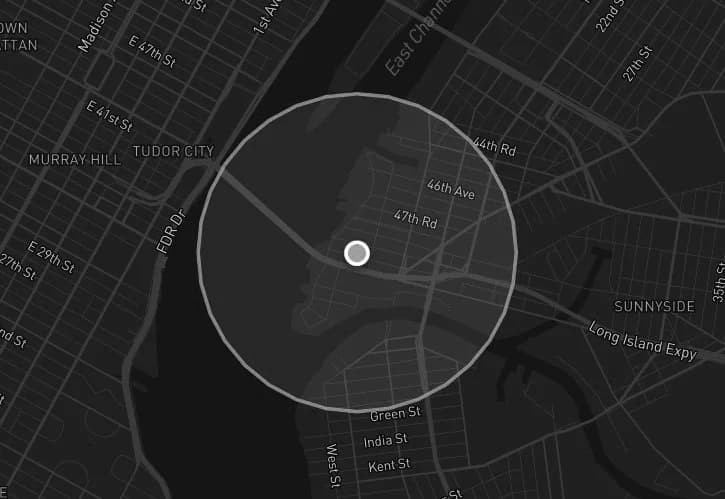
Built for photos from anywhere, including low-context ones - plain skies, generic streets, blurred frames. The AI returns ranked candidate locations, each with a confidence score, a radius and the clues behind it, instead of guessing at a false pinpoint.
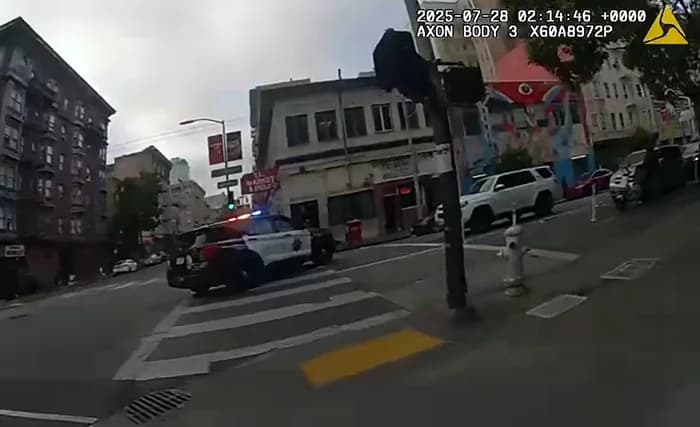
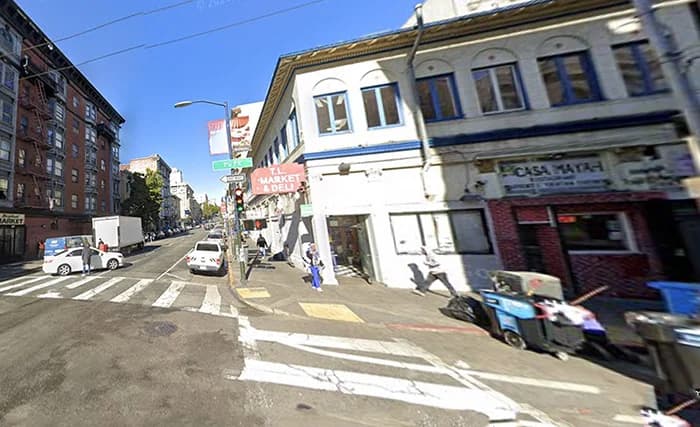
Matches street photos against indexed street-level imagery in 2,300+ cities across 27 countries for meter-level coordinates, with the matching Street View shown side by side so you can check the match yourself.
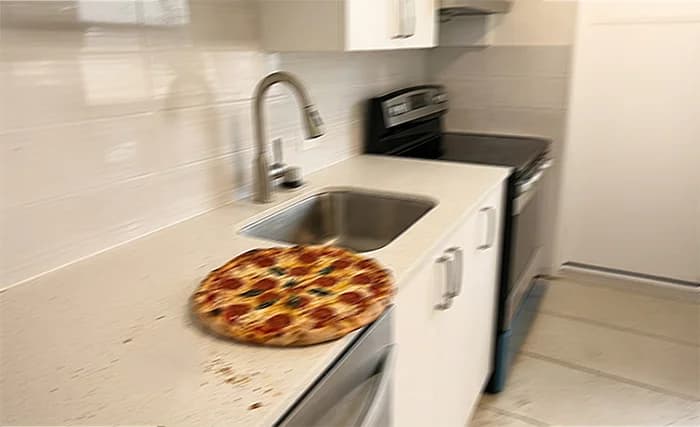
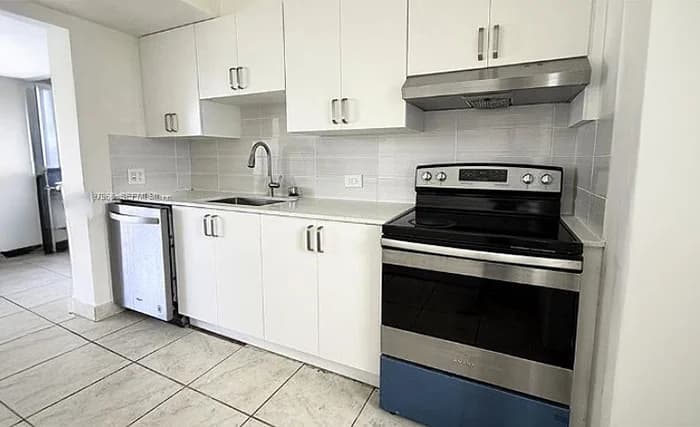
Identifies indoor spaces - lobbies, cafes, stations - by matching them against reference image databases. Rolling out first through HyperVision custom deployments.
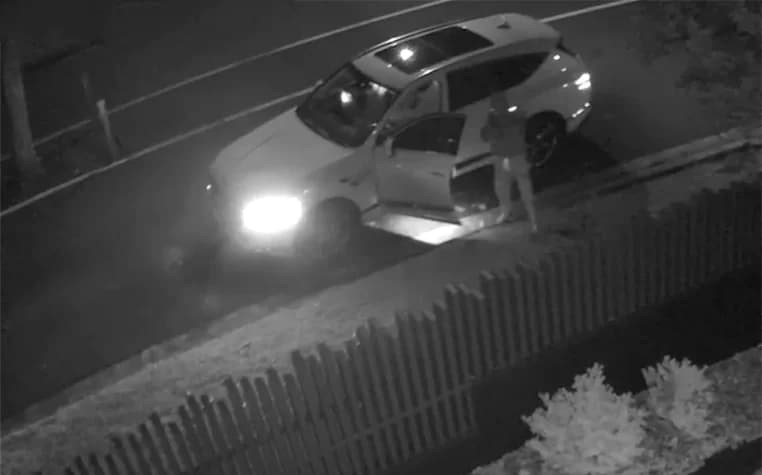

Detects vehicle make, model, and other attributes from any angle - useful for narrowing down a scene when location cues are limited.
Features FAQ
How does GeoAxis determine a location from an image?
GeoAxis uses AI models trained on millions of geotagged images. It reads visual cues such as architecture, vegetation, terrain, signage, road markings and light, and returns ranked candidate locations with a confidence score and the clues behind each one. In 2,300+ indexed cities, City Search also matches the photo against street-level imagery for a meter-level pin. No GPS or EXIF metadata is required.
What types of images work best with GeoAxis?
GeoAxis works with virtually any image - outdoor landscapes, street views, aerial photos, and even challenging low-light or low-resolution images. The more visual context available in the image, the more accurate the results.
Is my data secure when using GeoAxis?
Uploads are encrypted in transit and at rest and kept in your private search history so you can re-run them. Originals are deleted automatically after 30 days and are not used for training unless you opt in. GeoAxis has no facial recognition and does not identify people. See the privacy policy for details.
Can I integrate GeoAxis into my own application?
Yes. The REST API is self-serve on the Business plan (50 calls a month) and unlimited on Enterprise. The documentation covers authentication, Global and City Search endpoints, and Python, JavaScript and cURL examples.
What is the difference between Geo-Estimation and Precise Geolocation modes?
Geo-Estimation (Global Search) works anywhere on Earth and returns ranked candidate locations with confidence scores, including for low-context images. Precise Geolocation (City Search) matches a street photo against indexed street-level imagery in 2,300+ cities across 27 countries for a meter-level pin, and shows the matching Street View beside your photo.
Can I check the AI's answer myself?
Yes, and you should. Each candidate lists the clues it rests on, with evidence pins on the map. City Search opens the matching Street View side by side with your photo, and an optional re-rank checks the match keypoint by keypoint. Export the result as a PDF report when you need a record.
Ready to find where a photo was taken?
Upload a photo and the AI returns the location in seconds - try GeoAxis free.
 GeoAxis
Compare
Legal
By using our software, you agree to our Privacy Policy, Terms of Service, Safety Statement, and Refund Policy.
© 2026 GeoAxis | All Rights Reserved